
Is Quasimorph Steam Deck Verified?
Yes — official Steam listing shows Steam Deck Verified for the 1.0 build.

Quasimorph Steam Deck guide: Verified status, install steps, trackpad controls, UI scale, performance, suspend tips, and 1.0 handheld habits. Verified August 2026.
Handheld-friendly 1.0 habits: 4× speed, extract timing, and Magnum loops on Deck.
~6 min read
Sponsored
Quasimorph is Steam Deck Verified on the official Steam listing — turn-based tile combat, extraction loops, and Magnum ship management all run on SteamOS without Proton surprises. This Quasimorph Steam Deck guide covers install steps, recommended controls, readability tweaks, and which 1.0 systems are easier on desktop versus handheld. Pair with the beginner guide for campaign onboarding. Verified August 16, 2026 · Steam.
| Fact | Detail |
|---|---|
| Deck status | Steam Deck Verified (official listing) |
| Platform | Steam · Windows build via Proton on Deck |
| Genre | Turn-Based Extraction RPG |
| Input | Gamepad + trackpad-as-mouse + on-screen keyboard |
| Dev / Pub | Magnum Scriptum / HypeTrain Digital |
| Release | 1.0 July 31, 2026 (EA Oct 2, 2023) |
Valve's Verified tier means Quasimorph launches from the Deck library, displays legible text at default scale, supports the full gamepad, and handles suspend/resume in Gaming Mode. It is not a separate port — the same 1.0 build PC players use ships on SteamOS with Proton.
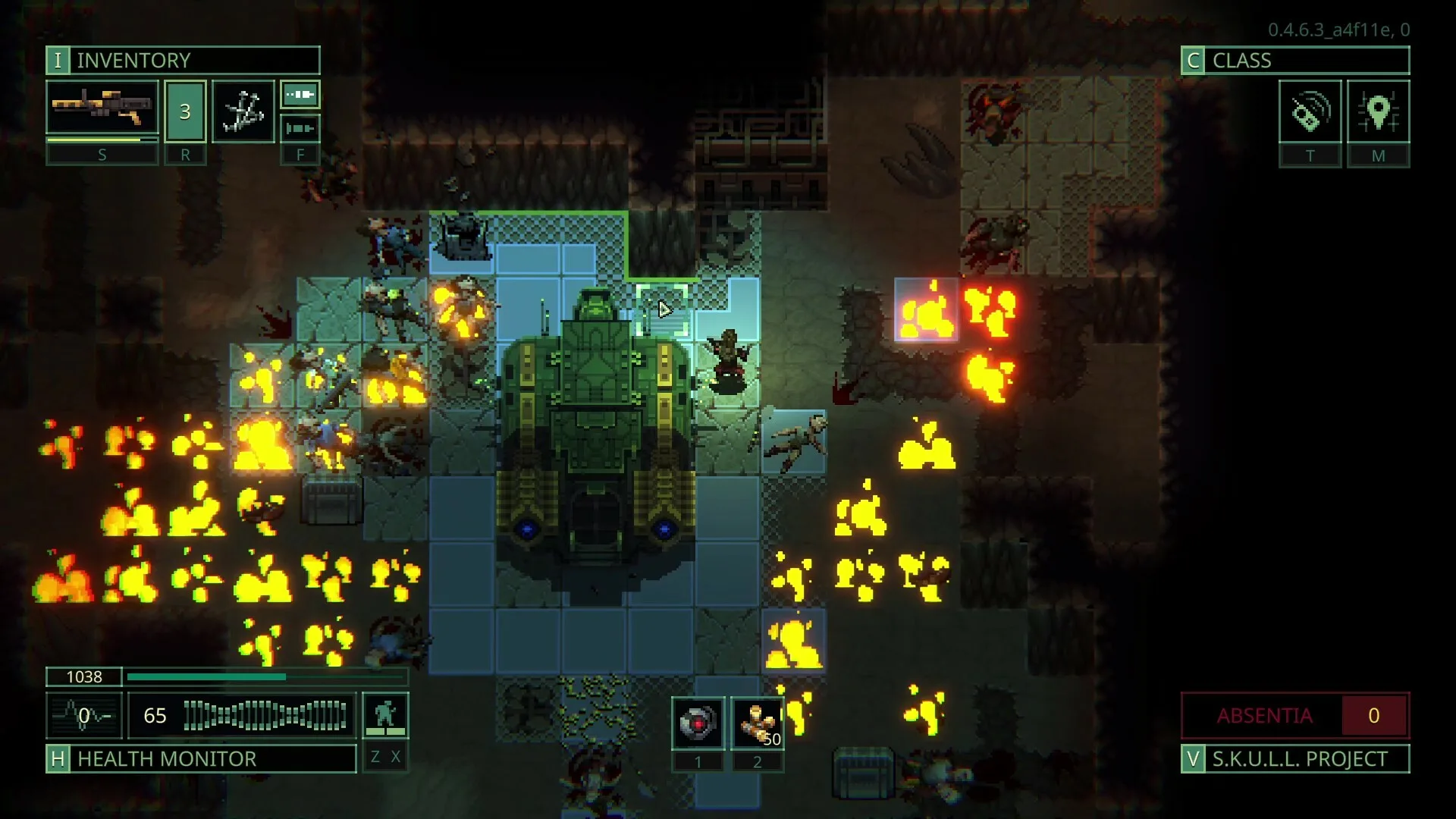
Verified does not mean every UI panel is optimized for 1280×800. Faction stock charts, pact Bane tooltips, and dense loot grids still reward trackpad aim. Treat Quasimorph Steam Deck play as fully supported, not as a simplified mode.
Both models handle the dark cyberpunk palette well. OLED black levels help night missions; LCD owners may nudge brightness in Steam Quick Access if desert contracts wash out.
Install like any Steam Deck title — no sideloading, no extra Proton GE unless you hit a rare launch regression after a hotfix.
If your desktop save predates 1.0 compatibility, start new on whichever device you use first, then let Cloud sync. The beginner guide explains Magnum onboarding after the July 31 launch.
Patches download like any Steam title. Read Steam News on desktop if a hotfix mentions save format — apply the update before resuming a storyline finale on Deck.
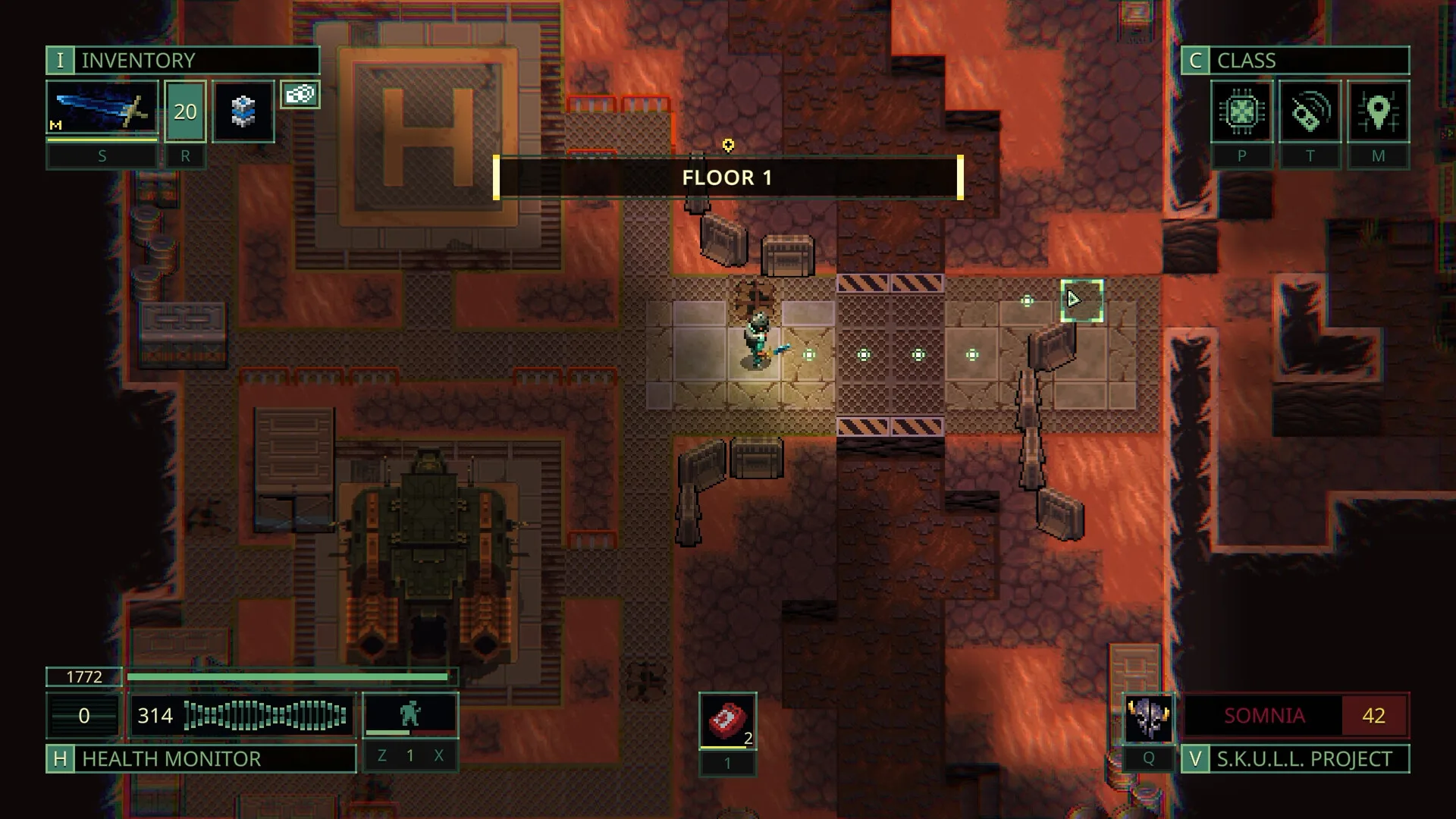
Quasimorph is turn-based — you are not aiming in real time — but tile selection, door peeks, and inventory drag still expect cursor precision. The default Verified layout maps movement to sticks and cursor to trackpads.
| Action | Deck approach | Tip |
|---|---|---|
| Move / select tile | Left stick or D-pad where supported | Trackpad for exact last-step peeks |
| Confirm / interact | A button | Hold to skip repeated prompts when safe |
| Inventory / loot | Trackpad cursor | Zoom Steam UI scale if mis-clicks |
| Camera rotate | Right stick if bound | Less needed in tile combat |
| Pause / menu | Steam button | Suspend from overlay between turns |
| Keyboard labels | Steam on-screen keyboard | Rename clones sparingly on Deck |
Steam Input community layouts exist for Quasimorph Steam Deck players who want larger cursor zones. Try official layout first — Verified builds already ship sensible defaults.
Deck players benefit more from combat guide stealth peeks because mis-clicks cost AP. Walk corners, stealth doors, and confirm stance before you spend the last action point.
Matched by build plan, shared topics, and guide progression — not random related links.
Readable text beats raw resolution. Quasimorph Steam Deck sessions improve when you tune SteamOS scaling before you tune in-game options.
| Setting | Suggestion | Why |
|---|---|---|
| Steam UI scale | 110–125% if menus feel tiny | Magnum modules use dense labels |
| In-game 4× speed | Enable on Magnum travel | Less scrolling on Deck |
| Subtitle / tooltip size | Use in-game slider if offered post-hotfix | Pact Banes need one-glance reading |
| Brightness (OLED) | 40–60% indoors | Dark UI hides low HP warnings if too dim |
| Night Shift / color | Off — preserve wound red cues | Triage relies on color chips |
Story finale missions with multi-floor slogans, RealWare spreadsheets, and all endings checklist cross-checks are easier on a monitor. Run routine extractions on Deck; run checklist finales at your desk if you fatigue on small text.
Docking to a monitor uses the same Verified build — no separate settings file. Steam Deck becomes a comfortable way to play Quasimorph on a TV with controller.
Turn-based Quasimorph is modest on GPU — frame drops usually come from suspend/resume or background Steam downloads, not combat complexity.
| Lever | Deck action | Effect |
|---|---|---|
| TDP limit | Default 15W usually fine | Raise only if fans spike in cities |
| Refresh cap | 60 Hz lock OK | Turn combat needs no high FPS |
| Shader cache | Let Steam populate once | Reduces stutter first launch |
| Background updates | Pause other downloads | Avoid hitching on extract screen |
| Storage | Internal NVMe preferred | Faster Magnum load between missions |
Use Steam suspend from the overlay between turns — not force quit. Quasimorph missions are long; Verified status assumes standard suspend works. Still extract before real-life interruptions when possible so clone loss is intentional, not accidental.
1.0 ships an in-game mod manager. Workshop browsing on Deck works but is slower than desktop — subscribe to mods on PC, sync, then enable in-game on Deck if you use mods.
Extraction RPG loops fit commutes better than three-hour storyline finales. Plan Quasimorph Steam Deck sessions around contract length, not campaign arcs.
Turn-based combat is lighter than action titles, but Magnum UI time still draws power. Expect shorter battery life if you leave 4× speed off and scroll every module manually.
Handheld habits overlap the site tips page — extract before meter spikes, bank loot before greed floors, and use 4× speed for travel.
Some 1.0 systems are playable but fussy on 1280×800. Know when to reach for the guides hub on a second screen.
| System | Deck friction | Mitigation |
|---|---|---|
| Pact Bane tooltips | Small text stacks | Pacts guide pre-read on desktop |
| Faction stock UI | Wide tables | Factions guide summary table |
| Implant body map | Tiny slots | Implants guide checklist |
| Story choice walls | Long dialogue | Storyline pages on phone browser |
| Achievement hunt | Hidden Steam names | Achievements guide route order |
| Map editor | Cursor precision | Use desktop for serious edits |
Magnum Scriptum announced post-1.0 QoL and difficulty balance work on Steam News. UI scale improvements may land after launch — recheck this Quasimorph Steam Deck page after major patches.
If suspend corrupts a mission after a hotfix, report on the official Discord with SteamOS version and Proton log — faster than guessing save damage.
Yes — official Steam listing shows Steam Deck Verified for the 1.0 build.
Default Verified layout works. Trackpad sensitivity tweaks help loot and tile peeks.
Yes via Steam Cloud on the same 1.0-compatible save branch.
Yes — same build; OLED contrast helps dark missions.
Beginner guide then extraction guide for session length habits.
August 16, 2026
Matched by build plan, shared topics, and guide progression — not random related links.